**dizajnbre.blogspot.com


9 Essential Principles for Good Web Design

Add to this the fact that many Web designers (myself included) are self-taught, that Web design is still novel enough to be only a side subject in many design institutions, and that the medium changes as frequently as the underlying technology does.
So today I've put together my 9 principles for good Web design. These are only my opinions and I've tried to link off to more reading on subjects so you don't only hear my voice. Obviously, I have lots of disclaimers: rules are made to be broken, different types of design work differently, and I don't always live up to my own advice. So please read these as they are intended--just some observations I am sharing...


Read more...

1st Photoshop Web Design Professional Layout Tutorial

Since it’s the first professional web design Photoshop tutorial over here, I really want to hear your thoughts – where should I focus on and do you enjoy and want to see such tutorials more in future! Tutorial is also for advanced users, but I really tried to explain really detailed those hard points.
For this tutorial purposes I will be using Adobe Photoshop CS3, 960gs grid system and Windows.
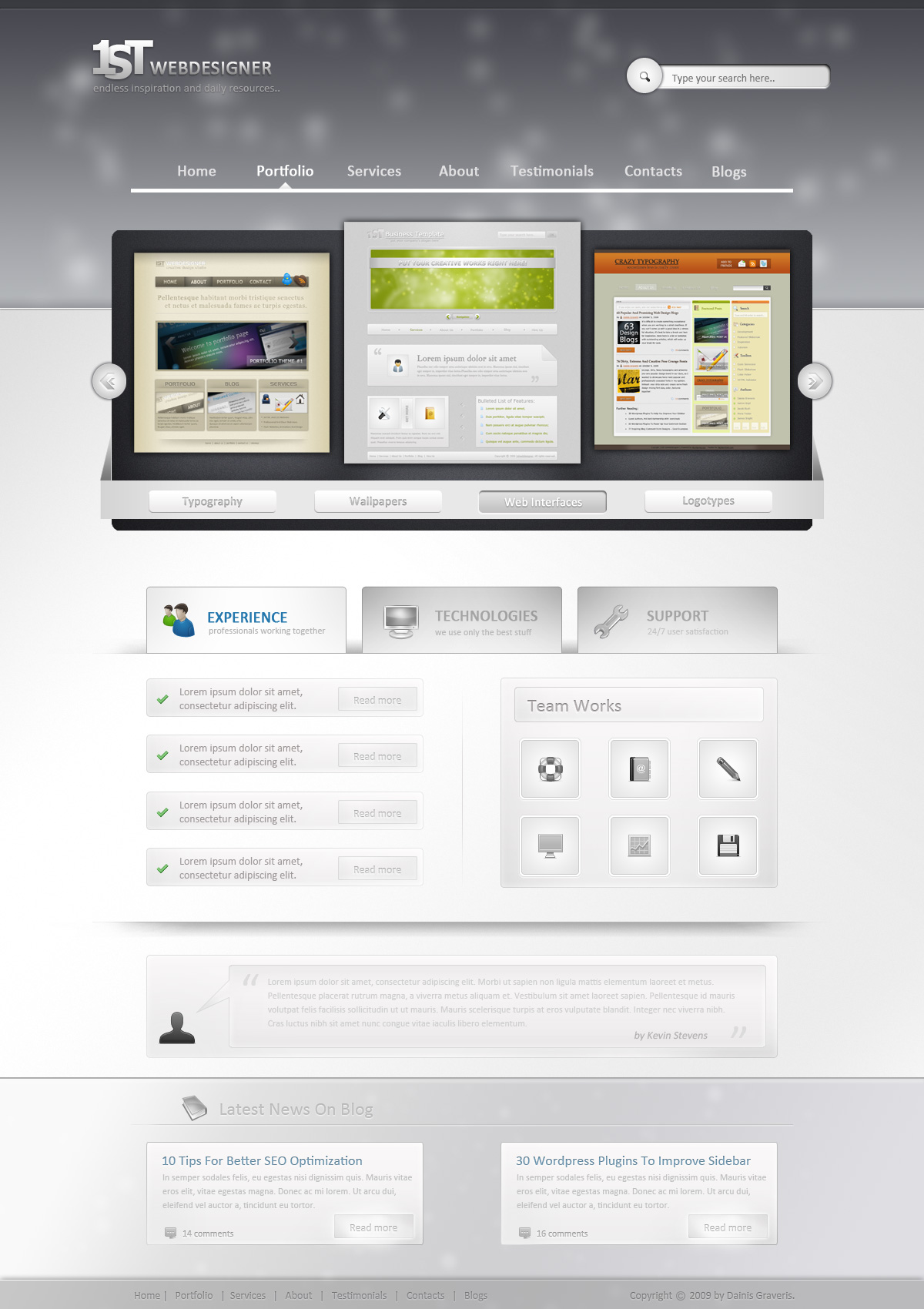
This is what we will create, click on image for full preview:
finished-preview-web-design


Read more...

19 Firefox Add-ons For Designers

Are you a web designer who wishes you could do more in one handy spot instead of having multiple programs open? Well, thanks to the enormous Firefox add-on development community, your web browser can do almost everything for you.
These 19 add-ons will allow you to choose colors, measure dimensions, save screenshots and a whole lot more. Be warned that you should be selective in what add-ons you add to your browser due to the fact that the more you add, the slower it goes, but can you really resist very many of these?

Color Tools

ColorSuckr: ColorSuckr will pick the 12 most common colors out of an image and allow you to build a palette out of them.

ColorZilla: ColorZilla allows you to get a color reading from any point in your browser (not just the page), and you can adjust the color and paste it into other programs. Besides identifying colors, this add-on will also allow you to measure the distance between any two points, choose colors from pre-defined sets, get information on DOM elements and more.

FirePalette: FirePalette adds a color selection tool to Firebug’s CSS panel so you can easily pick CSS-compatible colors.

Palette Grabber: Palette Grabber allows you to make a color palette from any page you visit and then export it to Photoshop, Flash, PaintShop Pro, GIMP, Adobe Fireworks and Mac OS X Color Picker palette formats.

Measurement Tools

GridFox: You can draw a grid on top of any page and measure the column widths and other items.

MeasureIt: A quick and easy way to draw a ruler around a page element to see how big it is in pixels.

Pixel Perfect: Pixel Perfect allows designers to overlay their composition on top of the developer’s progress to see how far off elements are and what adjustments need to be made.

Miscellaneous Tools

Firebug: Firebug is generally associated with developers, but the layout and CSS inspectors can be quite handy.

Font Finder: This add-on will allow you to highlight any element in a page and see the CSS information for it. It’s especially handy if you want to identify a font.

View Dependencies: View Dependencies adds a tab to the “page info” so you can see a break down of all of the files associated with the page you just loaded along with their sizes. This can be a handy tool for determining what may be slowing down the load time.

Web Developer: Despite the name, Web Developer has many useful features for designers such as inspect, edit and disable CSS, as well as graphics. You can also use it to measure elements, re-size the browser, display CSS by media type and more.

Window Resizer: Allows you to quickly view a page at different screen resolutions. With just a click you can switch between 640×480, 800×600, 1024×768, 1280×800, 1280×1024 and 1600×1200.

Screenshot Tools

Abduction!: Abduction! allows you to save a portion of a page or save the entire page so you can show potential bugs to other people. You can also print or copy any images you saved.

FireShot: FireShot gives you numerous options for how to shoot your desired images of a partial or full page, which you can then email, save or upload to a free host.

Image Zoom: Choose the size you want to re-size an image to or reset auto scroll so you can use the scroll wheel on your mouse to zoom in and out on an image to check quality.

Picnik: This add-on will allow you to save an image of the page you are on and send it directly to the online image editor, Picnik.

Pixlr: You can edit and open images or screengrabs you’ve taken directly in the Pixlr online image editor.

Screengrab: You can grab the entire scrollable document, just the visible bit, or a draggable selection. Screengrab will even save just the contents of an individual frame as well as taking images of Flash and JavaScript elements.

Talon: Talon is an add-on by the popular Aviary.com that allows you to take screenshots that can be saved to your system, opened directly in the online Phoenix image editor, hosted on their site or copied it to the clipboard.




Read more...

The best web design software

Here's the best web design software available in the market today. We highly recommend using these web design tools to develop professional and attractive websites.

Through experience we find that the best web design tools are all Adobe products, and we highly recommend everyone interested in web site development to use these tools. Here's a small introduction to these cool Adobe products.

Adobe Dreamweaver CS4

Rating
Dreamweaver CS4

Adobe Dreamweaver CS4 is the best web site development software/tool available today. If you are a professional web designer looking for a rapid application tool to design web sites, this is your best bet. We've been using Adobe for a long time and highly recommend it to everyone who is interested in learning web site development. This tool generates HTML code for you, (so you don't have to be an expert HTML programmer to develop a web site!). Cool stuff possible using Dreamweaver includes rollowers, css styles, server side includes, templates and much more.

You can download the 30 day free trial version from the Adobe site and try out the software.

Dreamweaver Creative Suite 4. Design, develop, and maintain standard-based websites. Order Now!

Adobe Photoshop CS4

Rating
Adobe Photshop CS4 125x125

We highly recommend using Adobe Photoshop CS4 to design web sites. We use this tool to design web site layouts. Photoshop is also great for optimizing images and exporting them in the gif or jpeg format. Great features in Photoshop include cool effects, great textures, text effects and other cool stuff.

Here's how we use Photoshop:

We design our sites in Photoshop to get an idea of what the finished site will look like. We then send these layouts to our clients in the form of gif and jpeg images. Once the client approves a particular layout we use Dreamweaver to convert these layouts to HTML.

You can download the 30 day free trial version from the Adobe site and try out the software.

Photoshop Creative Suite 4. Create powerful images with the professional standards. Order Now!

Adobe Flash CS4

Rating
Flash CS4 Professional

Adobe Flash is the best software to use for web site animation. It has gained a lot of popularity and there seems to be a huge demand for Flash web sites. The reason Flash is so popular is because you can do fantastic animations while still keeping the file size low and so that sites can load fast. If you are interested in developing web animations Flash is without a doubt the best. There is also a huge online community of Flash developers so if you have questions or need resources like articles, tutorials, sound loops, flash files - it is all readily available on the Internet.

You can download the 30 day free trial version from the Adobe site and try out the software.

Flash Creative Suite 4. Create and deliver rich, internet content. Order Now!

Adobe Creative Suite 4

Rating
Design Premium CS4

Adobe Creative Suite 4 is the best software bundle for graphic and web design. It includes all the software needed for web design and development. The softwares included are :

Adobe Dreamweaver CS4
Adobe Photoshop CS4 Extended
Adobe Flash CS4 Professional
Adobe Illustrator CS4
Adobe InDesign CS4
Adobe Acrobat 8 Professional

You can download the 30 day free trial version from the Adobe site and try out the software.

Creative Suite 4 Design Premium. Deliver innovative ideas in print, web, and mobile design! Order Now!


Read more...