A Sneak peek into Adobe Photoshop CS5
0 Comments
»
The video shows a selection of features that are being developed by
‘Photoshop Labs’, including Painter-style brushes, a new warp tool and
more.

Read more...

The video shows a selection of features that are being developed by
‘Photoshop Labs’, including Painter-style brushes, a new warp tool and
more.
Since it’s the first professional web design Photoshop tutorial over here, I really want to hear your thoughts – where should I focus on and do you enjoy and want to see such tutorials more in future! Tutorial is also for advanced users, but I really tried to explain really detailed those hard points.
For this tutorial purposes I will be using Adobe Photoshop CS3, 960gs grid system and Windows.
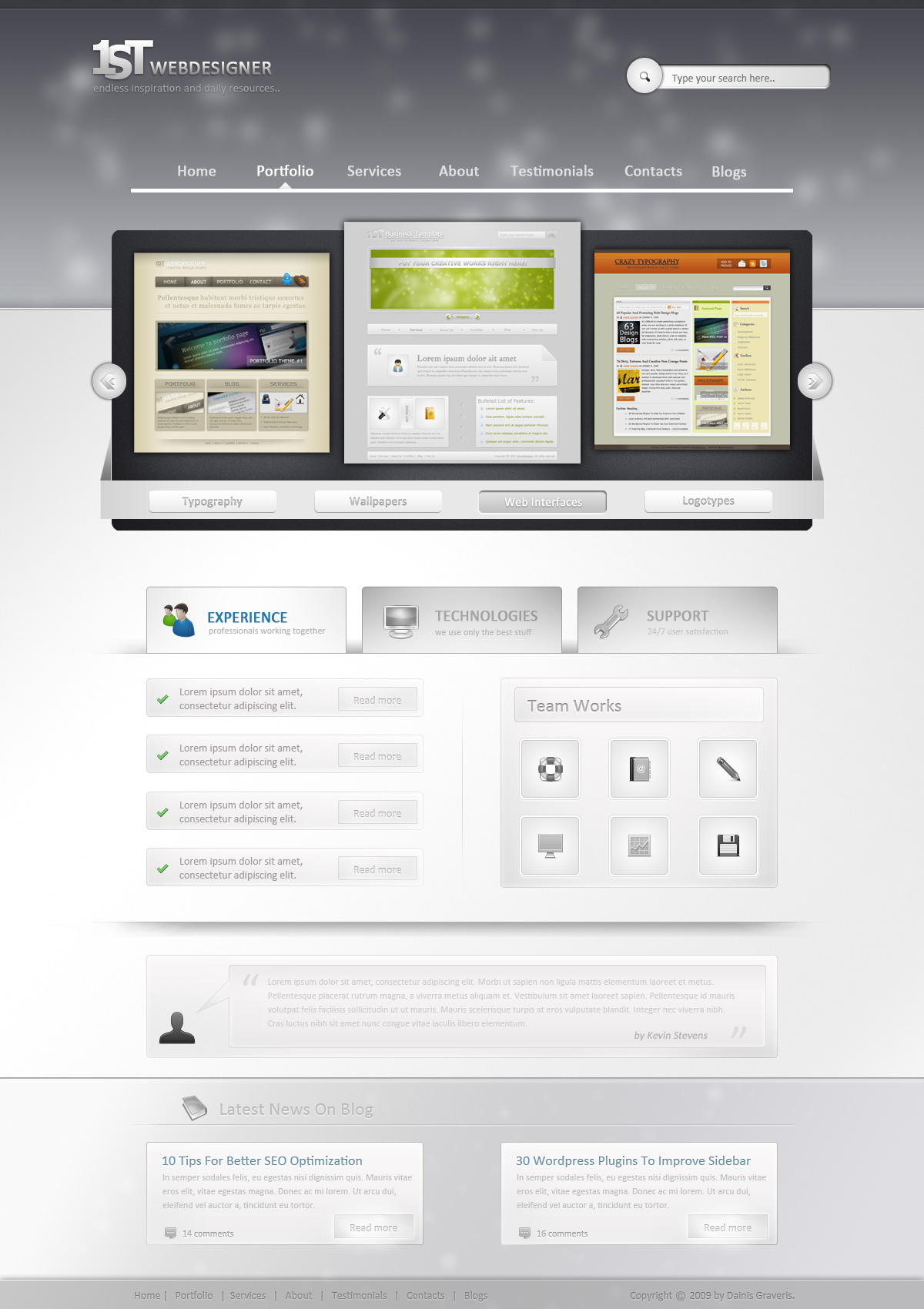
This is what we will create, click on image for full preview:
I am big fan of typography myself and was surprised I haven’t done any good font collection yet! While doing research I was amazed how many really high quality fonts are available for free. And now with Sifr and similar tools you can use any font in your web-design actually, but if you are graphic designer you get even bigger enjoyment through such detailed and beautiful fonts. Balance between readability, elegance and use fonts with artistic approach to get best out of them, really that’s all you need to do. And by the way I am thinking about inspiring and effective typography article in soon future to show you very best examples – stay with us – get inspired and save your time because research has been done already for you!
Finally be sure to check license to these fonts, they may be free but some of them require reference or may not be used for commercial projects for free, although most of them are.
Here's the best web design software available in the market today. We highly recommend using these web design tools to develop professional and attractive websites. Adobe Dreamweaver CS4 is the best web site development software/tool available today. If you are a professional web designer looking for a rapid application tool to design web sites, this is your best bet. We've been using Adobe for a long time and highly recommend it to everyone who is interested in learning web site development. This tool generates HTML code for you, (so you don't have to be an expert HTML programmer to develop a web site!). Cool stuff possible using Dreamweaver includes rollowers, css styles, server side includes, templates and much more. You can download the 30 day free trial version from the Adobe site and try out the software. Dreamweaver Creative Suite 4. Design, develop, and maintain standard-based websites. Order Now! We highly recommend using Adobe Photoshop CS4 to design web sites. We use this tool to design web site layouts. Photoshop is also great for optimizing images and exporting them in the gif or jpeg format. Great features in Photoshop include cool effects, great textures, text effects and other cool stuff. We design our sites in Photoshop to get an idea of what the finished site will look like. We then send these layouts to our clients in the form of gif and jpeg images. Once the client approves a particular layout we use Dreamweaver to convert these layouts to HTML. You can download the 30 day free trial version from the Adobe site and try out the software. Photoshop Creative Suite 4. Create powerful images with the professional standards. Order Now! Adobe Flash is the best software to use for web site animation. It has gained a lot of popularity and there seems to be a huge demand for Flash web sites. The reason Flash is so popular is because you can do fantastic animations while still keeping the file size low and so that sites can load fast. If you are interested in developing web animations Flash is without a doubt the best. There is also a huge online community of Flash developers so if you have questions or need resources like articles, tutorials, sound loops, flash files - it is all readily available on the Internet. You can download the 30 day free trial version from the Adobe site and try out the software. Flash Creative Suite 4. Create and deliver rich, internet content. Order Now! Adobe Creative Suite 4 is the best software bundle for graphic and web design. It includes all the software needed for web design and development. The softwares included are : Adobe Dreamweaver CS4 You can download the 30 day free trial version from the Adobe site and try out the software.
Through experience we find that the best web design tools are all Adobe products, and we highly recommend everyone interested in web site development to use these tools. Here's a small introduction to these cool Adobe products.
Adobe Dreamweaver CS4
Rating 
Adobe Photoshop CS4
Rating

Here's how we use Photoshop:
Adobe Flash CS4
Rating
Adobe Creative Suite 4
Rating
Adobe Photoshop CS4 Extended
Adobe Flash CS4 Professional
Adobe Illustrator CS4
Adobe InDesign CS4
Adobe Acrobat 8 Professional
Learn how to change a photo to a front page magazine image in Photoshop. Give your photographs a beautiful sheen or glazed effect!
 |  |
| Before | After |
To give a Front page magazine image effect:
Follow the following steps:




 Subscribe by RSS